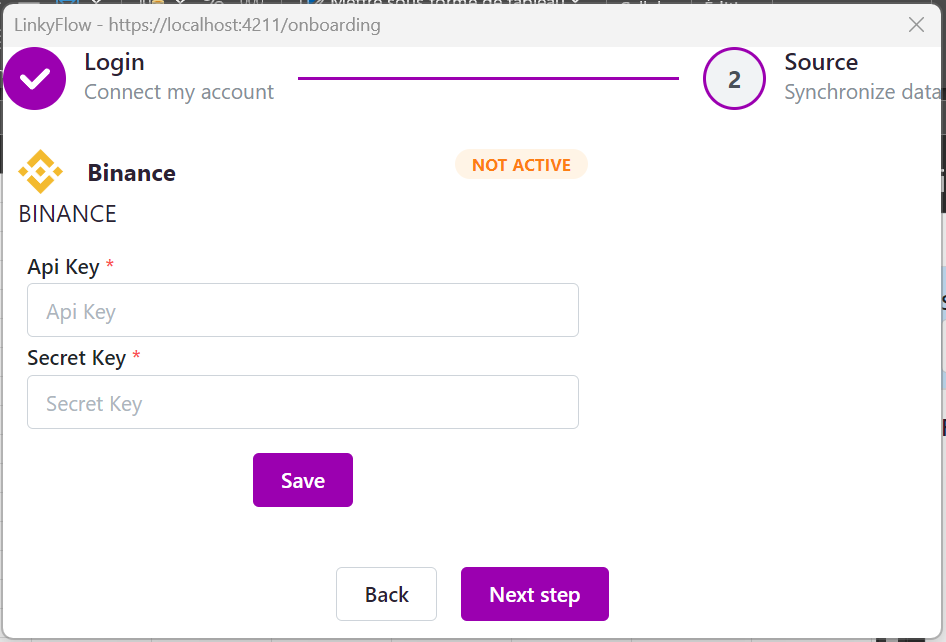
Connect exchange API keys (Binance, HTX, ...)
Connect exchange API keys
LinkyFlow works with multiple exchanges. The steps are similar everywhere: create an API key, keep the secret safe, and enable only the permissions you need.
Binance
To create the key, follow Binance's guide: https://www.binance.com/fr/support/faq/comment-créer-des-clés-api-sur-binance-360002502072
In summary, log in to https://www.binance.com/fr/my/settings/api-management and open API Management.
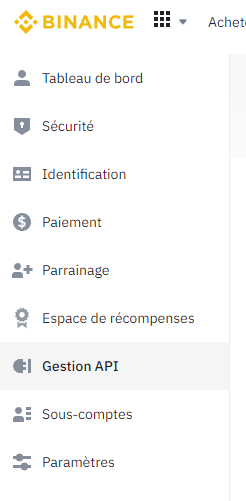 Click Create API in the upper right corner.
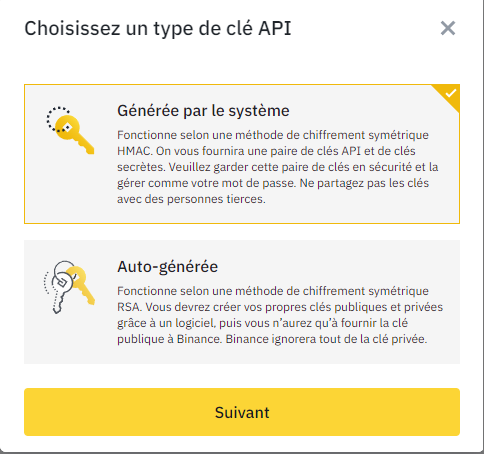
 Choose System-generated to keep it simple.
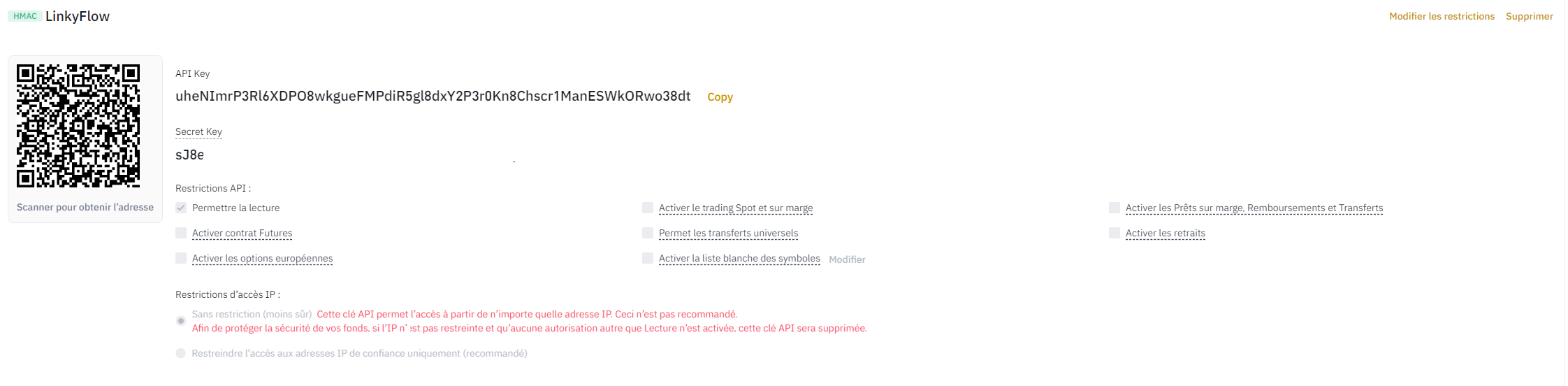
 Enable Read permissions (and Spot & Margin Trading only if you plan to place orders).
HTX (Huobi)
- Go to https://www.htx.com/en-us/apikey/ and create a new API key. 2. Start with Read permission only, then add trading permissions if needed.
Add the key to LinkyFlow
In Excel, open LinkyFlow > Settings and paste your API Key and Secret Key.
- API Key goes into “API Key”. - Secret Key goes into “Secret Key”.
Then click Save.